Christmas Season Holiday Digital Papers: A Festive Design Toolkit
Unwrapping the Collection: More Than Just Patterns
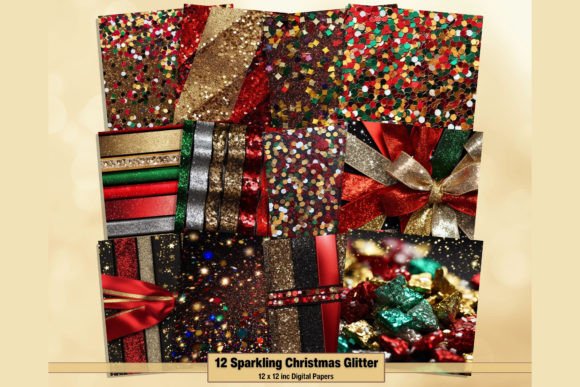
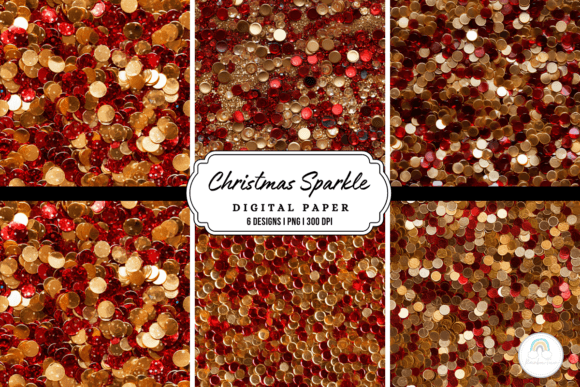
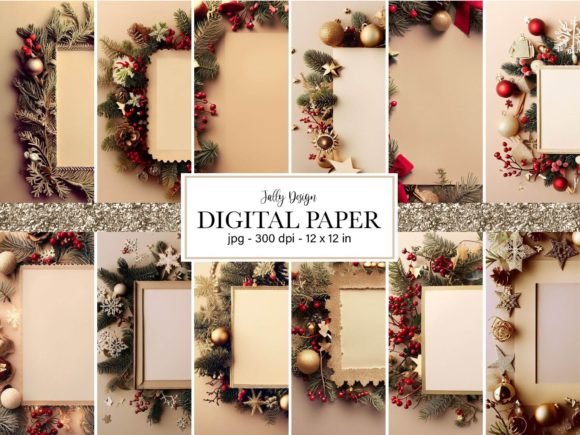
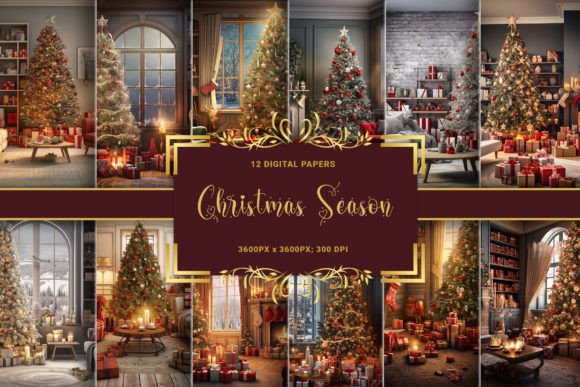
When you open the Christmas Season collection, you aren’t just downloading a set of textures; you are accessing a curated library of atmosphere. This pack contains 12 distinct high-definition digital papers, each sized at a massive 3600 x 3600 pixels with a professional-grade 300 DPI resolution. For anyone working in editorial design or large-format packaging design, these specifications are critical. You can scale these images for posters or zoom in for intricate detail in scrapbooking without losing sharpness.
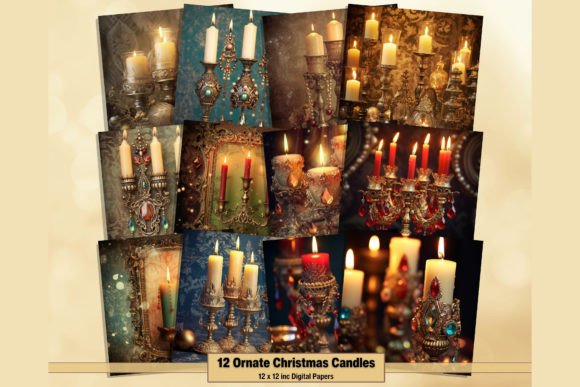
The visual personality of this set moves away from the overused, flat vector styles we see so often in generic holiday assets. Instead, it leans into a narrative aesthetic. We are looking at scenes that tell a story: the intricate texture of pine needles on a beautifully adorned Christmas tree, the specific crinkle of meticulously wrapped gifts, and the intimate glow of a room lit by candlelight. It captures that specific "chilly morning" feeling—the condensation on a windowpane contrasting with the warmth of the interior. This level of detail gives your work an immediate sense of authenticity and emotional depth that flat colors simply cannot achieve.
Strategic Applications for Brand Identity and Marketing
For entrepreneurs and marketers, the fourth quarter is often the most competitive time of the year. Standing out requires more than just a "SALE" banner; it requires visual cohesion. These digital papers serve as a foundational design asset for building a temporary holiday brand identity. Imagine using the "candlelight evening" paper as a background for your email newsletter headers. The soft, low-contrast lighting creates a perfect canvas for overlaying text in a clean sans serif font, ensuring your message remains readable while evoking a cozy, inviting mood.
Small business owners can leverage these textures for packaging design. If you sell physical products, printing these high-res patterns on tissue paper, box inserts, or shipping labels transforms a standard unboxing experience into a memorable event. In the realm of social media graphics, these papers break up the monotony of the feed. A content creator can use the "winter morning view" as a background for an Instagram quote card or a Pinterest pin. The high visual hierarchy of the detailed imagery ensures the post stops the scroll, while the festive theme boosts audience engagement during peak holiday traffic.
Furthermore, consider the world of digital design and web design. While heavy textures can sometimes slow down a site, optimized versions of these papers work beautifully for hero sections or footer backgrounds on holiday landing pages. They provide a tactile feel that mimics real-world materials, adding a layer of professionalism to your digital presence. For publishers and bloggers, these assets are invaluable for creating featured images that look expensive and custom-made, rather than stock-standard.
Integrating Textures with Modern Typography
A common challenge when using photographic or highly detailed backgrounds is maintaining readability. This is where your choice of typeface becomes a strategic decision. The Christmas Season papers are rich and vibrant, so they demand a font pairing that cuts through the noise.
Avoid using a script font or an overly ornate handwritten font for body text over these images; the visual clash will make the text illegible. Instead, look to modern typography solutions. A bold, geometric sans serif font works exceptionally well for headlines, creating a stark, clean contrast against the organic, chaotic nature of Christmas tree branches or gift ribbons. If you prefer a serif font, opt for one with high stroke contrast and a larger x-height to maintain legibility.
When designing, utilize the "rule of thirds" or focal points within the images. For instance, if a paper features a pile of gifts in the center, leave that area open for your logo or main visual, using the darker, peripheral areas for text blocks. You can also apply a semi-transparent overlay—perhaps a frosted glass effect—to a section of the paper. This technique allows the texture of the premium font and the background image to coexist harmoniously, ensuring your creative font choices don't get lost in the festive details.
Practical Workflow and Commercial Usage
Integrating these assets into your workflow is straightforward, but a few practical tips can maximize their value. Because these are high-resolution design assets, ensure your software (whether Adobe Photoshop, Illustrator, or Canva) is set to handle large file sizes to prevent lag.
- Color Grading: While the collection captures the spirit of the holidays, you may need to adjust the color temperature to match your specific brand palette. A slight desaturation can turn a festive background into a sophisticated, year-round texture for luxury branding.
- Print Consistency: Because these files are 300 DPI, they are print-ready. However, always run a test strip if you are printing on textured materials like cardstock, as the ink absorption might alter the appearance of the "candlelight" glow.
- Layering for Depth: Don't just use the paper as a flat background. Try masking out elements. For example, place a product photo on top of the "wrapped gifts" paper, but use a layer mask to allow a ribbon from the background paper to appear as if it is weaving in front of your product. This creates a 3D effect that is highly effective in advertising.
Ultimately, the Christmas Season collection is about versatility. It is a toolkit designed to help crafters, designers, and hobbyists bridge the gap between a digital file and an emotional response. By utilizing the high-definition clarity and the warm, inviting scenes, you can elevate your holiday projects from simple layouts to immersive festive experiences. Whether for personal scrapbooking or commercial marketing campaigns, these papers provide the warmth and professionalism needed to celebrate the season in style.